
The Biggest Bitcoin Self-Custody Mistakes Beginners Make
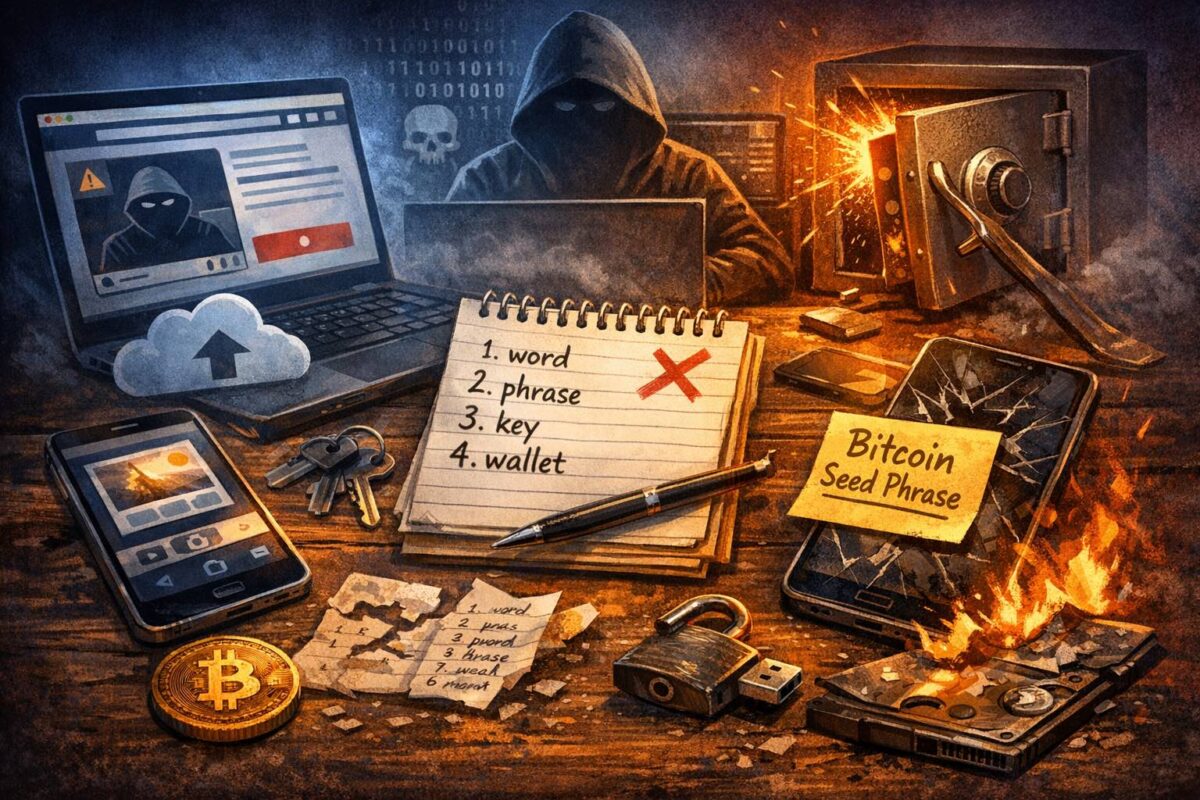
The easiest way to feel overwhelmed with Bitcoin is to attempt self-custody with no map. The good news is that most “disasters” are actually predictable beginner mistakes — and once you know what they are, they’re easy to avoid from day one.
This guide walks through the biggest self-custody mistakes beginners make, why they happen, and the simple habits that keep your setup calm, safe, and confidence-building.
Why beginners make the same mistakes
Self-custody is a new skill. Most people aren’t used to being the “bank” — and when you’re learning, your brain naturally reaches for convenience. That’s when mistakes happen: saving backups digitally, skipping verification steps, or trusting the wrong message because it sounds official.
The goal isn’t perfection. It’s a setup that is calm and repeatable — so you can build confidence as you go, instead of feeling like you’re walking through a minefield.
Mistake #1: Putting your seed phrase on a phone or cloud
A seed phrase is your master backup (sometimes called a “recovery phrase”). If those words ever end up in photos, Notes, email, Google Drive, iCloud, WhatsApp, or a shared document, you’ve increased your risk dramatically — because those systems are designed to sync, copy, and share.
The safest beginner rule is simple: keep your seed phrase offline. Written down carefully. Stored somewhere private. If someone gets those words, they can rebuild your wallet on another device and move your bitcoin — and there’s usually no undo button.
Mistake #2: Sharing backup info with “support”
Scammers don’t need to “hack” you — they just need you to panic. They pretend to be an exchange, a wallet company, a bank, or a helpful person in a chat group. The story is always urgent: “Your account is compromised”, “You must verify your wallet”, “You need to sync your funds”.
The trap is always the same: they ask for your seed phrase or private key. Here’s the rule that protects you: real support will never ask for your seed phrase or private key. If someone asks, it’s not support — it’s theft.
Mistake #3: Not testing recovery early
Beginners often assume their backup is correct because they wrote the words down once. But tiny mistakes happen: a word out of order, messy handwriting, missing word, spelling errors, or writing down the wrong phrase.
A simple confidence move is to do a small recovery test (called a “practice restore”) while you’re calm and the balance is still small. If your wallet supports verification, use it. It’s far better to discover an issue early than during a stressful moment later.
Mistake #4: One backup copy (one location)
One backup in one place is fragile. Fires, floods, theft, a move, a renovation, or even “tidying” can remove your only copy. Most people don’t think about this until life changes — travel, a new baby, or relocating between countries.
A practical beginner approach is to keep two copies stored in two private locations. Not labelled obviously. Not in the same drawer. Not somewhere a visitor could casually access.
Mistake #5: Moving too much too soon
After setting up a wallet, it’s tempting to move everything immediately. But confidence grows faster when you do it in steps. A small test transfer first proves your process: receiving, confirming, and being able to find the transaction.
Once you’ve done one small successful transfer, the bigger move feels calm instead of stressful. Self-custody is a skill — and skills get built through repetition.
Mistake #6: Rushing address checks
Bitcoin addresses are long for a reason — they’re designed to be precise. Beginners sometimes paste an address and assume it’s correct without checking. The risk is that some malware can silently swap the address in your clipboard.
A safer habit is to verify the first few and last few characters match what you expect, and use QR codes when possible. If you’re sending to a new address, slow down for ten seconds. That pause prevents expensive mistakes.
Mistake #7: Mixing savings with “testing” wallets
A common beginner pattern is using one wallet for everything: long-term savings, day-to-day spending, experiments, and random apps. That increases risk because every extra connection is another chance to click the wrong thing.
A calmer setup is to separate roles: one wallet for long-term savings (touched rarely), and another for small spending or learning. This makes mistakes smaller and confidence higher.
Mistake #8: Installing the wrong wallet (or wrong app)
Beginners often search “Bitcoin wallet” and download the first thing they see, or click a sponsored result without noticing. Some apps are fine — others are clones, misleading, or designed to push risky behaviour.
The safest habit is to download from the official website or official app store listing, and double-check the publisher name. If you’re unsure, slow down and verify before you install.
Mistake #9: No written plan for future you
Many people set things up perfectly… then forget how it works six months later. Or only one person in the household understands the system. When life gets busy, details get fuzzy.
You don’t need a complex plan. You just need clarity: where backups are stored, what your wallet is called, and what steps you follow for recovery. Even a short set of instructions stored separately from your seed phrase can prevent panic later.
Quick wrap-up
The biggest self-custody mistakes happen when convenience beats calm: storing backups digitally, trusting urgent messages, skipping recovery tests, and rushing transfers. The fix is simple habits that you repeat every time.
If you want the full step-by-step learning path (in the right order), the easiest “start here” is the Self-Custody Hub – All Guides .