
How to Back Up Your Bitcoin Wallet Properly
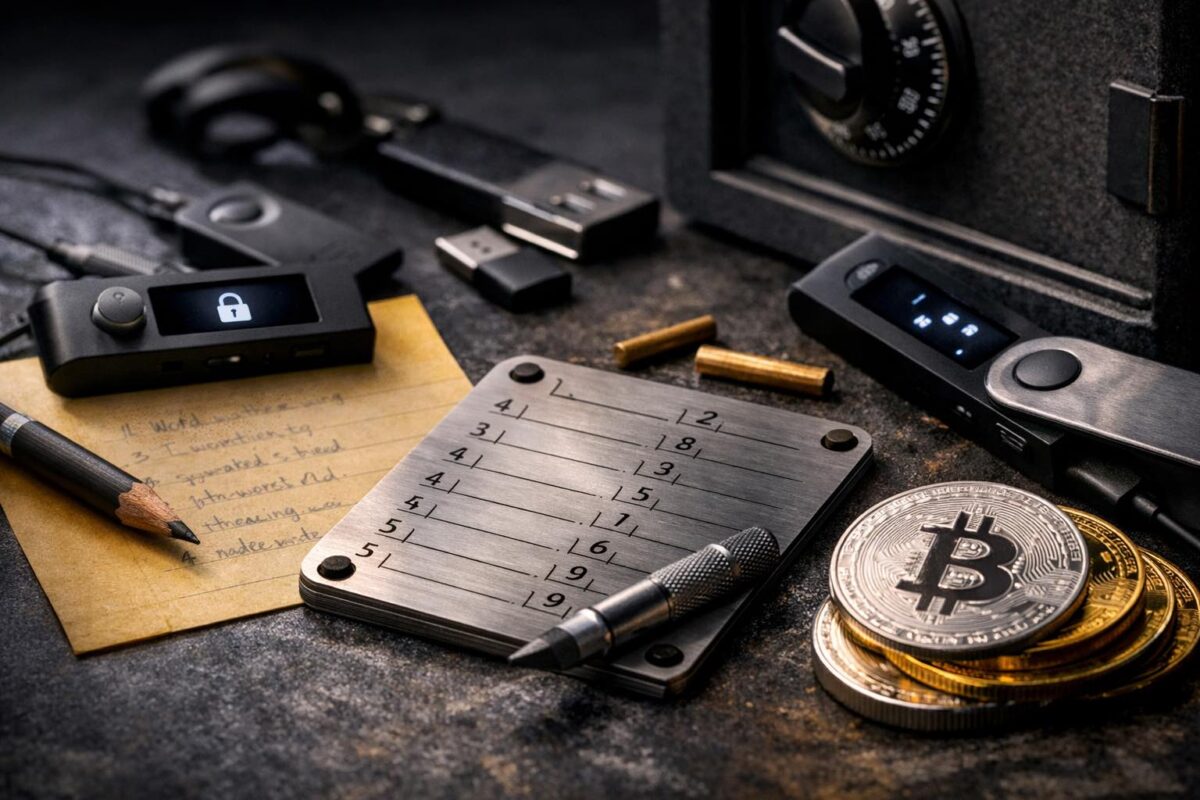
If you do one thing right in self-custody, make it your backup.
Your Bitcoin wallet backup — usually a seed phrase (also called a recovery phrase) — is what allows you to restore your Bitcoin if your device is lost, broken, stolen, or upgraded.
Without it, there is no password reset. No support desk. No “account recovery.” Bitcoin doesn’t know who you are. It only recognises cryptographic keys — and your seed phrase recreates those keys.
The good news? Backing up properly is simple. It just requires slowing down and being deliberate.
What you’re actually backing up
You’re not backing up an app. You’re not backing up a balance.
You’re backing up a mathematical root — a list of 12 or 24 words generated from a standard called BIP39 (a widely used format for seed phrases).
Those words generate your private keys — the cryptographic keys that control your Bitcoin. If someone has those words, they can recreate your wallet on their device and move your funds.
If you lose those words, there is no recovery mechanism. That’s the trade-off for true ownership.
Step 1: Create the wallet calmly
Generate your wallet in private. No rushing. No distractions. Think of it like setting up a safe.
If you’re using a hardware wallet, ensure it is brand new and initialised by you. If you’re using a software wallet, download only from the official website or verified app store listing.
Step 2: Write the seed phrase clearly
Use pen and paper. Write each word exactly as shown. In order. Spelling matters. Order matters.
Many wallets will make you confirm the phrase by re-entering certain words. Take this seriously — this step prevents future disaster.
Step 3: Double-check everything
Read the entire phrase out loud quietly to yourself. Check spelling. Check order. Look at your handwriting. If someone else needed to read this in five years, could they?
Step 4: Make two copies
One backup is fragile. Fires, floods, theft, renovations, moving house — life happens.
Two copies stored in separate private locations dramatically reduce your risk. Not in the same drawer. Not in the same building if possible.
Step 5: Store them properly
For small amounts, carefully stored paper is fine. For larger amounts, consider a fire-resistant safe or a metal backup plate.
Metal backups protect against fire and water damage. They’re not mandatory for beginners, but they’re worth considering as your holdings grow.
Step 6: Do a practice recovery
Before moving large amounts, test restoring your wallet. This is called a practice recovery.
Doing this while your balance is small builds enormous confidence. You’ll know your backup works before you ever need it.
Quick wrap-up
A proper backup isn’t complicated — it’s intentional. Write clearly. Store safely. Test recovery. Repeat calmly.
If you want the full structured path in the right order, start with the Self-Custody Hub – All Guides .